Accept L$ payments on your website.
Connect your WooCommerce store to Second Life. Customers pay in-world, orders complete automatically.
Built for merchants
Why DBG Payments

Automatic Payment Matching
Customers pay at your in-world kiosk and orders complete instantly.

Multi-Customer Ready
Handle multiple simultaneous transactions without conflicts. Each payment is matched to the correct order, even during busy sales.

Simple 5-Minute Setup
Install the WordPress plugin, configure your kiosk with an API key, and start accepting L$ payments on your WooCommerce store.
Getting Started in 3 Steps
Step 1: Install the WordPress Plugin
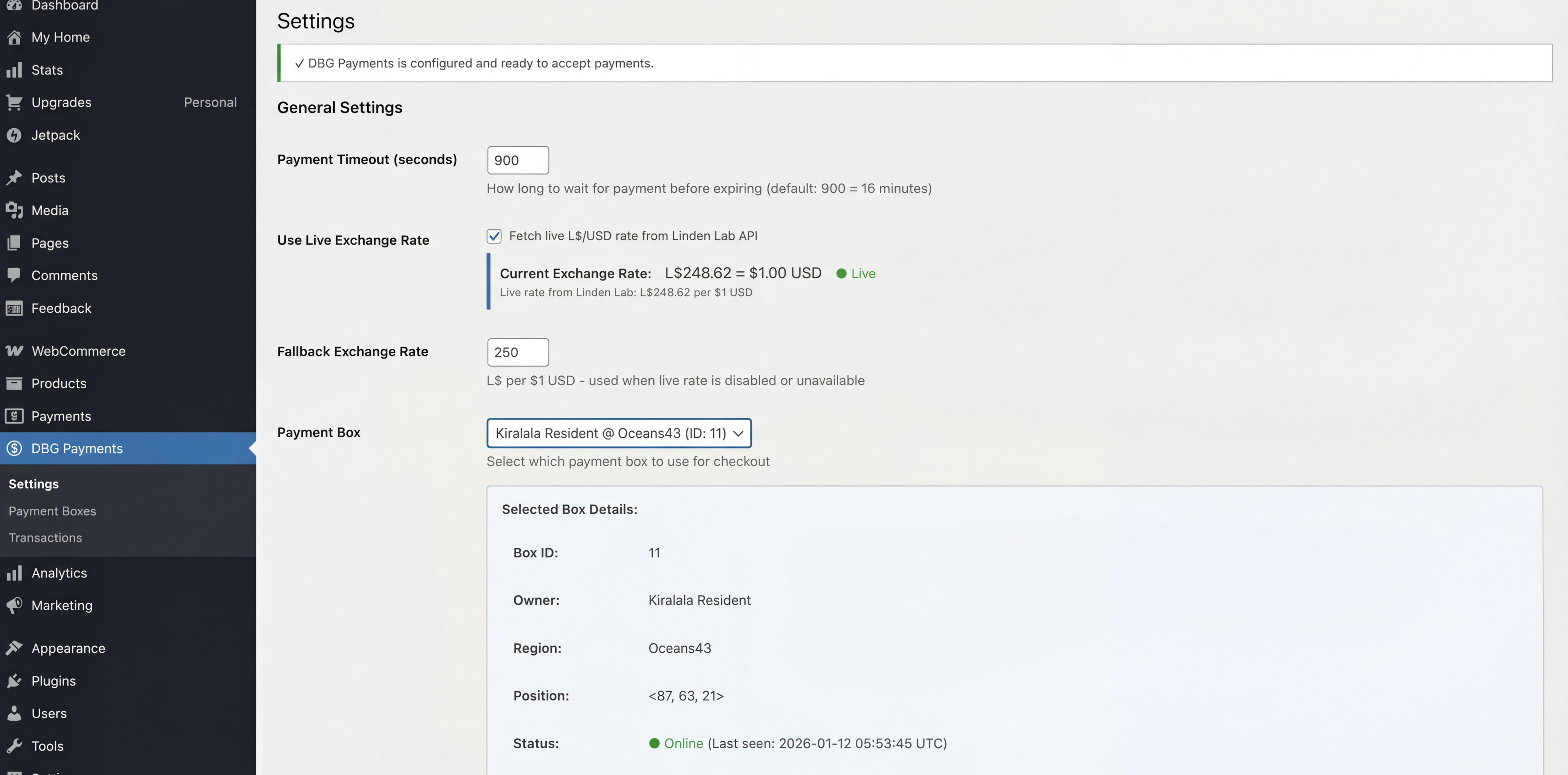
Download and install the DBG Payments plugin from the link below. Activate it in your WordPress admin, then navigate to DBG Payments → Settings to configure your options.
Step 2: Create a Payment Box
Go to DBG Payments → Settings and click “Generate API Key” Copy the generated API key—you’ll need this for the next step.
Step 3: Set Up Your In-World Kiosk
Purchase the DBG Payment Kiosk from the Second Life Marketplace. Rezz it at your store location, edit the config notecard inside with your website URL and API key, then grant debit permissions when prompted.
That’s it! Your customers can now pay in L$ for their website orders.

Download the Free WordPress Plugin
Get started in minutes. Install the DBG Payments plugin on your WordPress site to connect your WooCommerce store to Second Life. Manage payment boxes, track transactions, and configure settings all from your WordPress dashboard.
 DBG Payments